




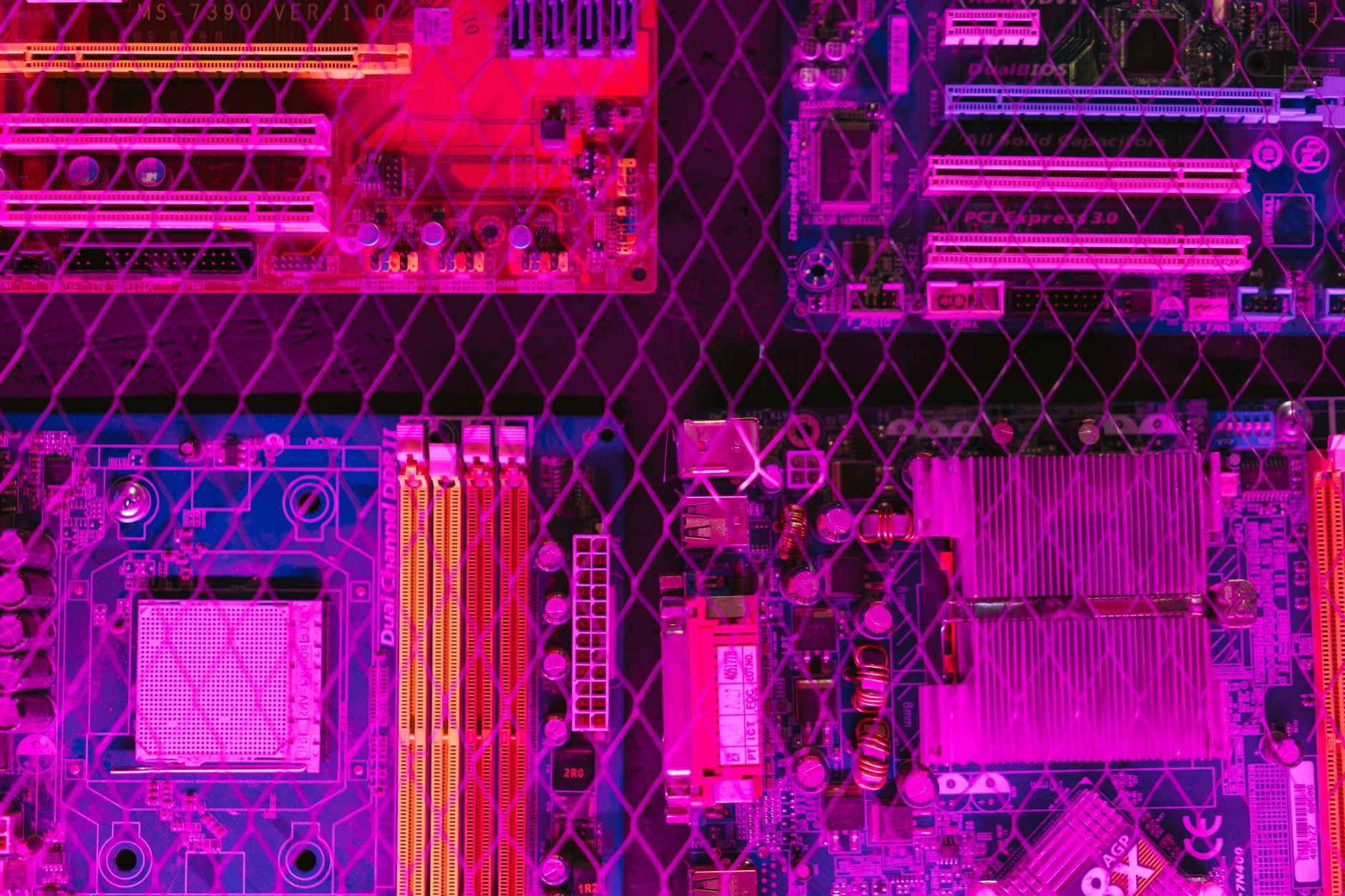
Building a gaming PC is one of the most rewarding tech projects you can undertake. Whether you are upgrading from a console or finally ready to escape the laptop gaming trap, assembling your own machine gives you complete control over performance, aesthetics and budget. Unlike off-the-shelf models, a custom build lets you prioritize the components that matter most to your gaming style, whether that is raw GPU power for ray-traced graphics or CPU muscle for competitive multiplayer. The satisfaction of pressing the power button on a machine you assembled yourself remains unmatched in the PC community.
The foundation of any gaming PC is the graphics card, which bears the primary responsibility for rendering those stunning visuals. Modern gaming demands at minimum an RTX-class GPU for 1080p gaming at high settings, while 1440p and 4K builds require significantly more horsepower. Pair your graphics card with a CPU that will not become a bottleneck; a Ryzen 5 or Intel i5 provides an excellent balance for mainstream gaming, though content creators and streamers should consider stepping up to a Ryzen 7 or i7. RAM capacity has become increasingly important, with 32GB now the sweet spot for gaming and multitasking combined. The synergy between these three components determines your overall experience across every game genre.
Selecting the Right CPU and GPU Combo
Your processor and graphics card form the dual heart of any gaming rig. The CPU handles physics calculations, AI behavior and game logic while the GPU processes visual rendering at millions of pixels per second. Balancing these components is critical; pairing a top-tier GPU with an entry-level CPU will leave performance on the table, while the reverse results in stuttering and frame rate drops. Mesh Computers offers pre-configured balanced combinations that eliminate guesswork, though building from component choices gives you maximum flexibility. Modern CPUs and GPUs scale nicely together when properly matched.
Power Supply and Cooling Solutions
Never skimp on the power supply; a low-quality unit risks component failure and potential data loss. Aim for at least 80+ Bronze certification and plan for 30 percent headroom above your system’s calculated power draw. A 750W unit is the safe standard for mid-range gaming rigs, though high-end builds with enthusiast GPUs should stretch to 850W or beyond. Cooling is equally non-negotiable. Air coolers have improved dramatically and handle most gaming workloads, but liquid cooling solutions offer superior thermal performance and a visual showcase for your build. Mesh Computers stocks both traditional and liquid solutions to match your case geometry and aesthetic preferences. Temperature stability directly impacts performance and component lifespan.
Case Selection and Cable Management
The case is more than just a box; it determines airflow, thermals and how enjoyable building will be. Modern cases prioritize front mesh intakes for negative pressure and efficient cable routing that reduces obstruction. Mid-tower cases offer the best balance of space and buildability, providing room for multiple storage drives and large coolers while remaining manageable for first-time builders. Tempered glass panels have become standard, letting you showcase your work once you have tackled cable management. Invest time here; messy cables block airflow and make future upgrades frustrating. Proper airflow management can reduce operating temperatures by ten degrees or more. Mesh Computers
Storage and RAM Consideration
SSDs have become non-negotiable; a 1TB NVMe drive loads Windows and applications almost instantly, while a secondary 2TB SATA SSD provides ample game library space. RAM speed and timings matter less than capacity for gaming; 16GB is the new minimum, with 32GB providing comfortable headroom for streaming or content creation alongside gaming. Faster RAM (3600MHz and above) pairs well with Ryzen processors due to architectural benefits, while Intel systems are less sensitive to RAM speed. Mesh Computers carries all the latest memory technology and can help you navigate the alphabet soup of speed grades. Consider also the warranty coverage and performance ratings when selecting RAM modules.
Assembly Tips and Best Practices
Take your time during assembly. Ground yourself regularly to avoid electrostatic discharge, install the CPU and cooler before mounting the motherboard into the case and route cables behind the tray whenever possible. Install RAM firmly until both clips snap down and do not forget the I/O shield before inserting the motherboard. RAM installation is often where first-time builders get stuck; it requires surprising force, but listen for the click and verify both retention clips have engaged. Once everything is installed, triple-check all power connectors before hitting the power button. The anticipation of those first POST beeps rivals any gaming moment.
Key Checkpoints for First-Time Builders
- Verify all eight-pin and twenty-four pin motherboard power connectors are fully seated.
- Install the CPU carefully, using the retention mechanism to prevent bending pins.
- Apply thermal paste if your cooler does not come with it pre-applied.
- Double-check PCIe power connectors on high-end graphics cards.
- Ensure all case fans spin freely before powering on.
Mesh Computers stands ready whether you need component advice, compatibility checks or full build services for those who prefer a hassle-free path to their gaming rig.