




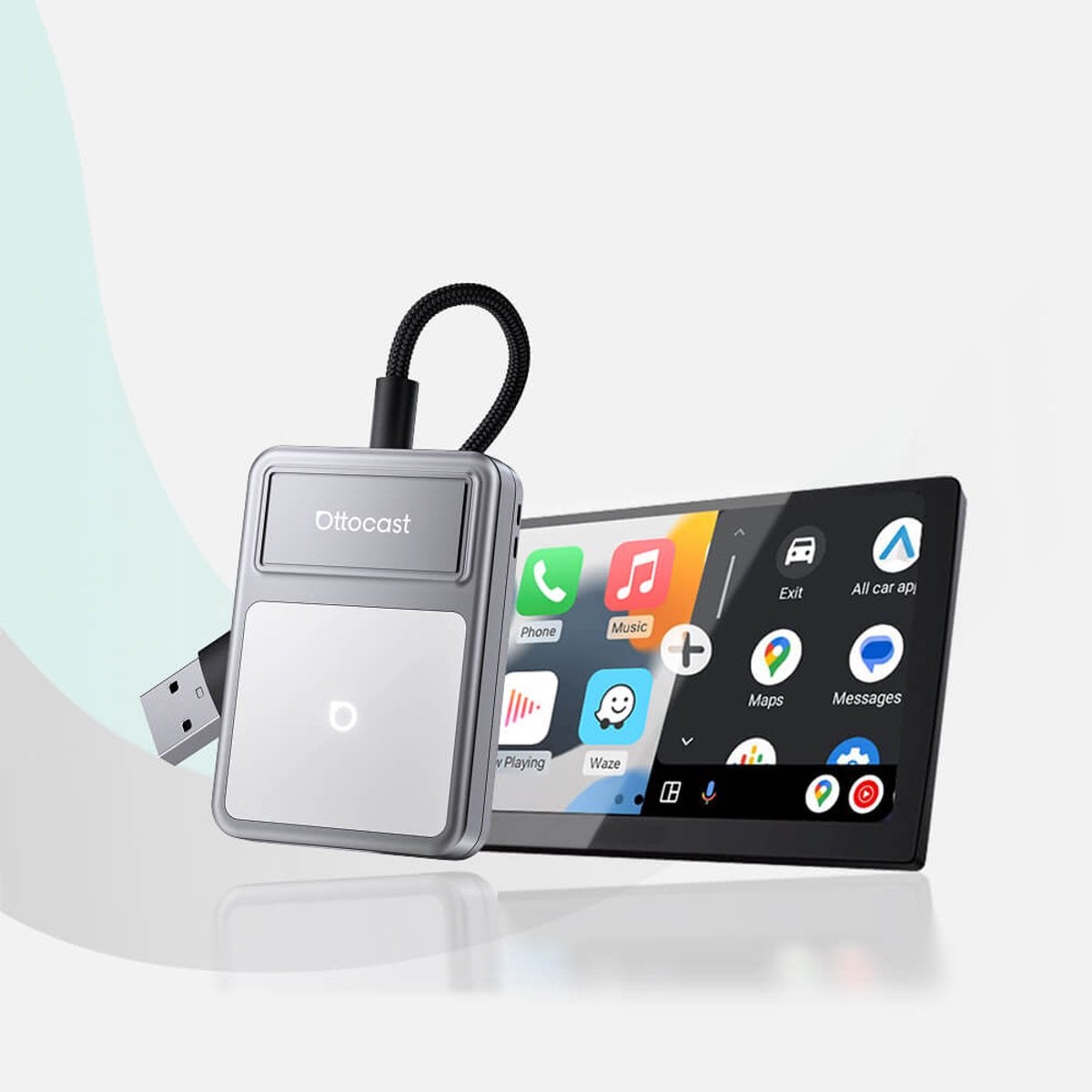
Shopping for wireless CarPlay adapters often means comparing spec sheets that all sound alike. Ottocast makes three main models that convert factory wired CarPlay and Android Auto into a cable-free setup, each built for a slightly different driving situation. Looking at the U2Air Edge, the Mini Cube 3.0, and the Play2Video Pro side by side shows where the real differences sit, from physical size to streaming capability.
Why Wireless Conversion Adapters Exist
At their core, these devices plug into a vehicle’s existing USB data port and carry a phone’s CarPlay or Android Auto signal over a wireless connection. Instead of running a cable every drive, a paired phone connects on its own once the adapter is installed. Ottocast states its products support both CarPlay and Android Auto, covering entertainment needs many drivers already expect, including navigation, calls, and streaming apps such as Netflix or YouTube.
Because each model targets a slightly different use case, picking among wireless CarPlay adapters depends on what the factory system already supports. Some vehicles already have wired CarPlay built in, so the adapter simply removes the cord. Others call for a more complete box that adds extra multimedia features on top of the wireless conversion.
U2Air Edge: Compact Wireless Conversion for Factory Wired Systems
The U2Air Edge is designed specifically for vehicles that already have factory wired CarPlay or wired Android Auto. Ottocast describes it as a device that remembers a paired phone and reconnects automatically every time the car starts, removing the need to plug in a cable each trip. It is built with a refined housing meant to sit comfortably in a console without feeling bulky.
Compatibility requirements are specific. The adapter is intended for vehicles from a recent model range with factory wired support, and it works with iPhones running iOS 10 or newer and Android phones running Android 11 or newer, with select Samsung and Google phones also supporting Android 9. It is not compatible with Sony aftermarket head units, and Mitsubishi owners are asked to confirm fitment before ordering.
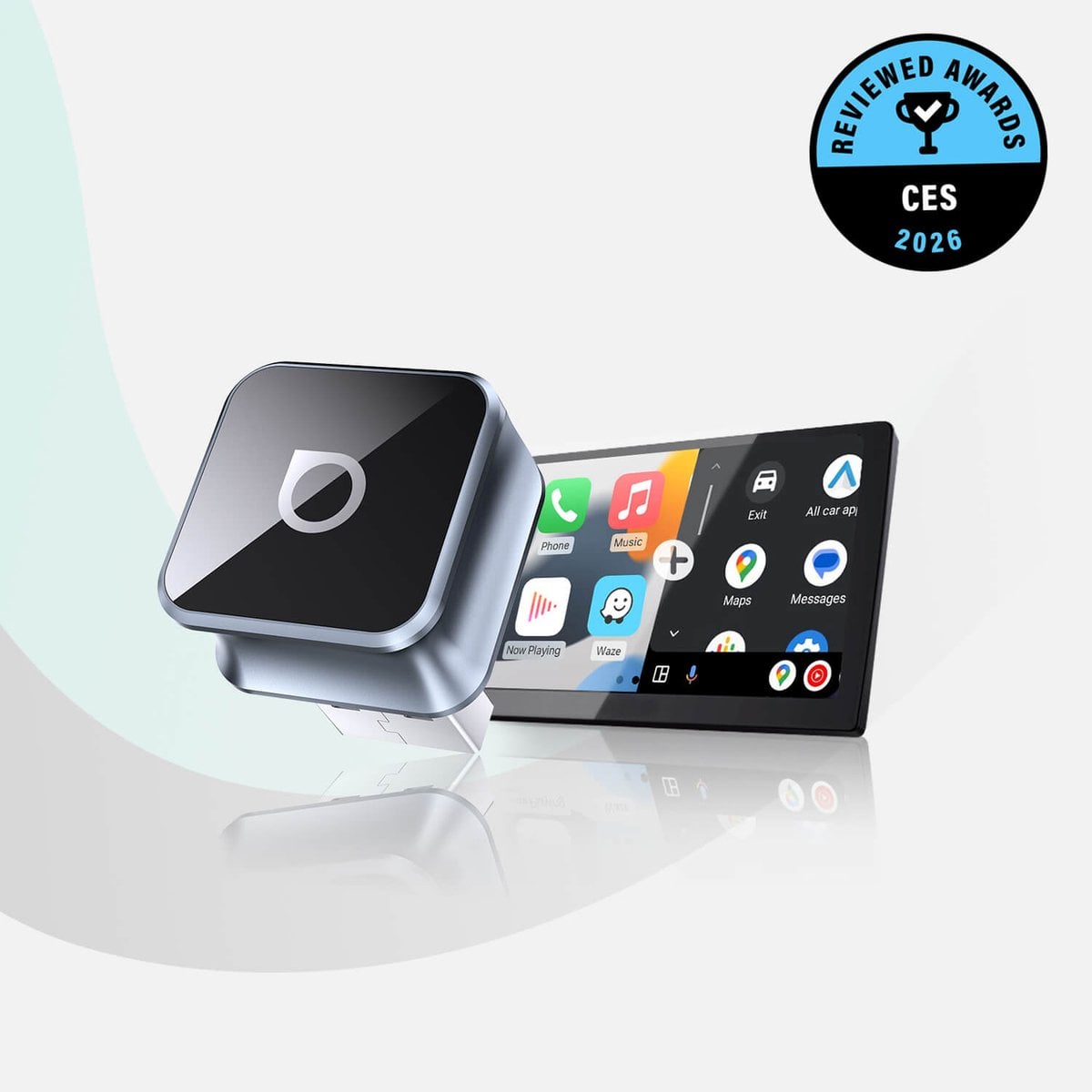
Ottocast Mini Cube 3.0: Space-Saving Plug-and-Play Setup
The Mini Cube 3.0 leans into simplicity. Ottocast markets it around a plug-and-play setup that needs no companion app, just a direct connection to the car’s data port. Its 90-degree USB connector is built to keep the housing tucked against the dash or console rather than sticking out awkwardly.
This model also includes fast auto-reconnection, so a paired phone reconnects shortly after the car is turned on. Firmware updates arrive over the air, described as FOTA upgrades, letting the adapter receive bug fixes without a trip to a dealer or shop. For drivers who want wireless CarPlay adapters that disappear into the dashboard rather than demand attention, this model fits that goal more than the other two.
Play2Video Pro: All-in-One Adapter and Streaming Box
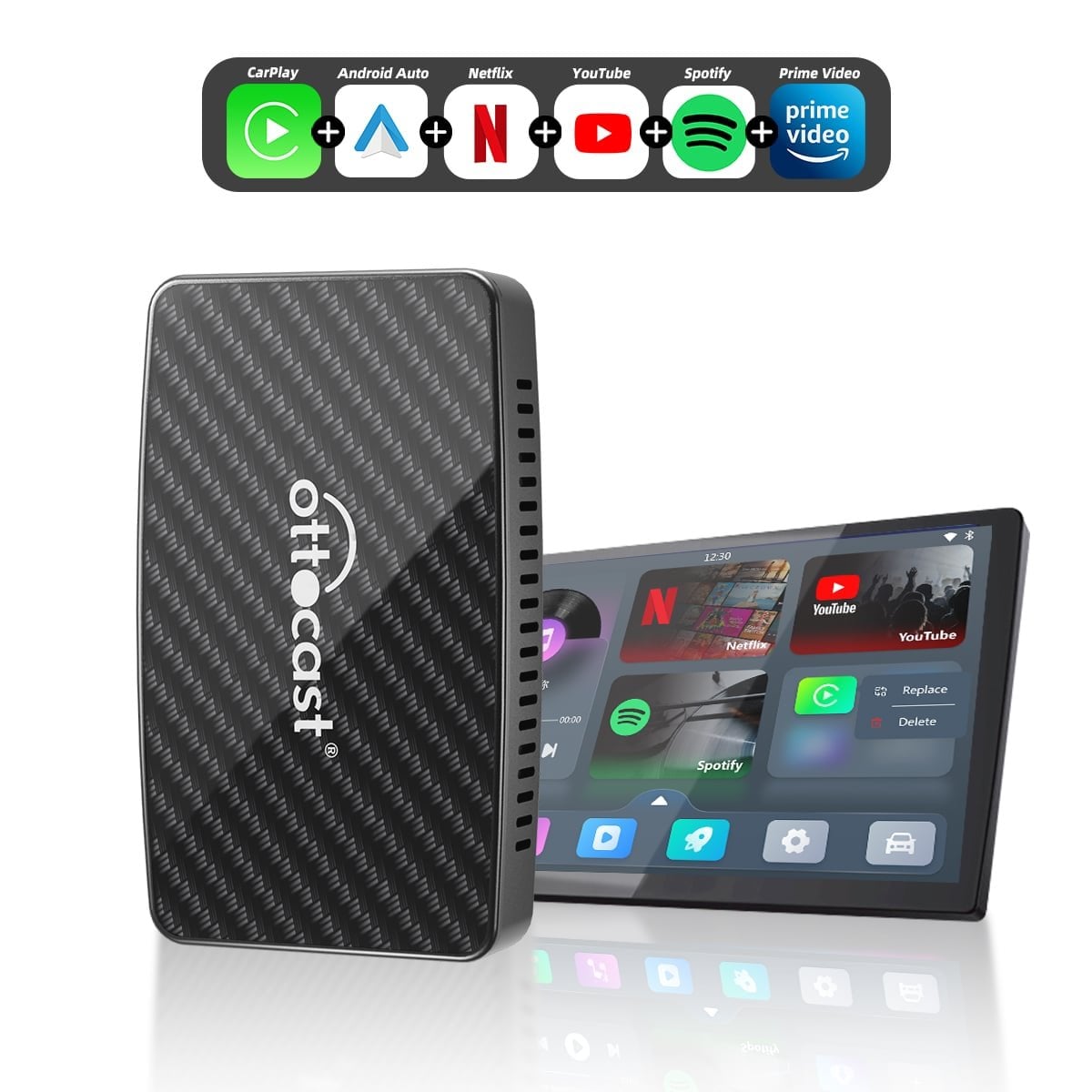
The Play2Video Pro is positioned differently from the other two devices. Rather than just converting a wired connection to wireless, Ottocast builds it as an all-in-one adapter and streaming box running what the brand calls a stable Closed Android System. That means pre-installed apps such as Netflix and YouTube can run directly on the device, independent of what a phone alone offers through CarPlay.
This makes the Play2Video Pro closer to a small in-car media center than a simple dongle. It still handles the core job of converting wired CarPlay and Android Auto to wireless, but the added streaming layer sets it apart from the U2Air Edge and Mini Cube 3.0. A two-car bundle option is also listed for households equipping more than one vehicle.
Auto-Reconnection and Smartphone Compatibility Across Models
All three devices share a common thread, which is automatic reconnection once a phone has been paired. Ottocast repeats this feature across its wireless CarPlay adapters, cutting down the manual steps needed at the start of every drive. The exact phone requirements differ slightly depending on the product page, so checking compatibility before ordering matters.
Android support in particular varies by product, and checking individual product pages or contacting support directly is recommended for a given phone and vehicle combination. iPhone support tends to be broader across the lineup, provided the vehicle has the right factory wiring in place. For vehicles that already have factory wireless CarPlay rather than wired, a different product line is pointed to instead, since wireless-to-wireless conversion is not what these three adapters are built to solve.
- The U2Air Edge is built for vehicles with existing factory wired CarPlay or Android Auto and focuses on a refined, compact fit inside the console.
- The Mini Cube 3.0 emphasizes a space-saving, app-free plug-and-play setup with a 90-degree connector and over-the-air firmware updates.
- The Play2Video Pro adds a built-in streaming system with pre-installed apps, functioning as an all-in-one adapter and media box rather than a simple wireless converter.
- All three models offer automatic reconnection once a phone has been paired, cutting down repeated setup at the start of a drive.
- Android Auto compatibility differs by model, so checking the specific product listing remains necessary before choosing one.
Choosing Between Ottocast’s Wireless CarPlay Adapters
Deciding between these three devices largely comes down to what a vehicle’s factory system already supports and how much extra functionality is wanted beyond wireless conversion. A driver with a factory wired system who just wants the cable gone might lean toward the U2Air Edge or Mini Cube 3.0, since both focus on that core conversion task. Someone wanting built-in streaming apps without relying entirely on a phone’s data connection would look more closely at the Play2Video Pro.
Vehicle age and phone operating system also play a role, since compatibility is tied to specific iOS and Android version ranges. Checking a vehicle’s existing wired CarPlay or Android Auto status before ordering avoids mismatched expectations. Compatibility tools built into the product pages are meant for exactly that kind of pre-purchase check.
Each model solves a slightly different problem within the same wireless conversion category, and matching the device to a vehicle’s existing setup is what determines the better fit. Check compatibility and current models at Ottocast.